Decoded
What the Numbers on a Monitor Box Mean, and Which Ones Are Marketing
Response time, refresh, HDR tiers - which of them survive contact with your machine.
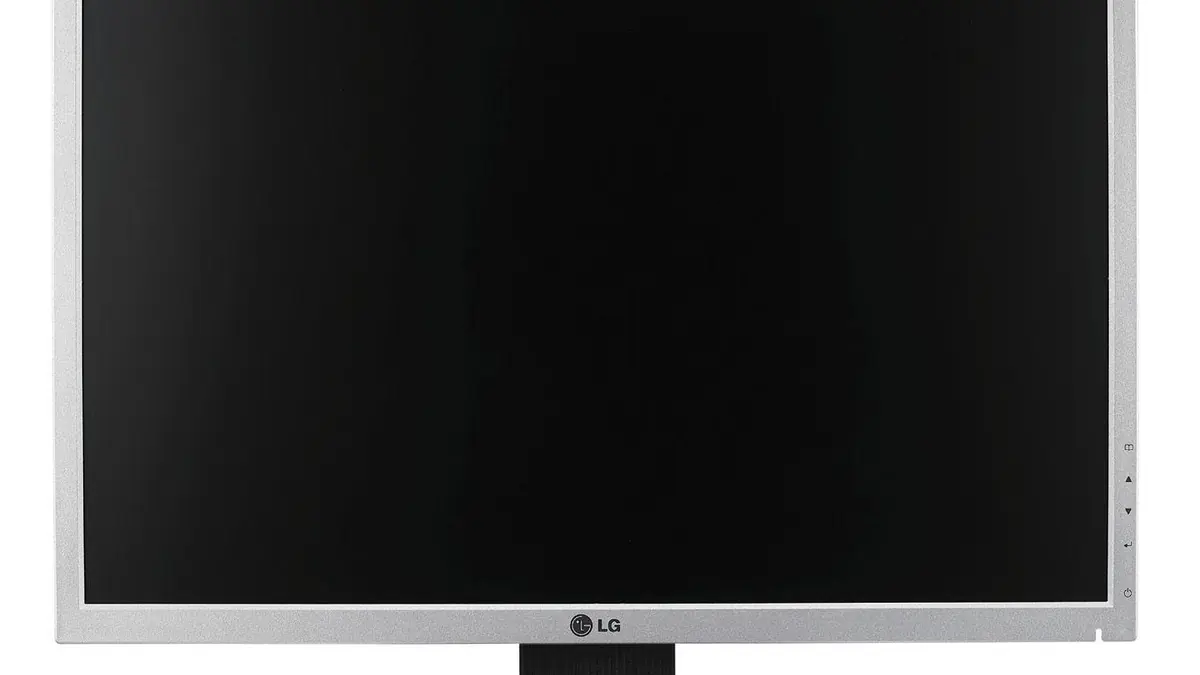
Photograph: florisla from Mechelen, Belgium · CC BY-SA 2.0 · Wikimedia Commons
The takeawayYou can read a spec list and say which figures matter for your machine and which are conditions-apply.
The numbers printed on a monitor box are often just connections: they only add up to value when that spec follows certification tests and when that spec actually plays out in your own setup. For the most part, the useful reading is not the headline figure but the tier, test, and caveat behind it. That's the case with response-time claims, adaptive-sync specs, and especially grades of HDR. The box prints numbers but not the conditions. And even with current labels certifying baseline behavior, the connected machine may still not actually deliver on those numbers, or give you the pattern you see off the box.
Understanding monitor specs has become more important as gaming monitor lists grow more diverse and esports itself continues to anchor TV development past 4Kp120. For regular buyers, the list is more sprawling: outputs are bigger and more ultra, refresh rates climb, VRR ranges pad up, and HDR lanes track both more specific and more PowerPoint-friendly. But even as reviewers do the additional round of real-world testing, the specs as warrantees for actual owner behavior remain largely unbroken.
Response Time: The Short Answer is Not Usually Absolute
The box will print a number defining response time in milliseconds. If that’s based on gray-to-gray (G2G) measurement, it’s a more realistic spec but still not the more informal black-to-white transition an owner might actually want to see. It’s at most a specification card fact under test conditions. And in practice, the language you see is usually not only green-to-gray but green-to-gray with overdrive tuned to whatever condition the monitor would be under in testing. The VESA’s 2023 update to its Adaptive-Sync Display specification expanded its testing of G2G transitions from a 5×5 test matrix to a subset of a 9×9 test matrix, more than tripling the number of scenarios. It also replaced fixed limits for overshoot and undershoot with limits based on perceptual quantization. So manufacturers have more ample scenarios to tune their overdrive for and a more nuanced way to measure it.
But the screen on your desk will not only not always be on a 9×9 test matrix, it won’t always have overdrive on. Difference in the perceptual limits or a progressive-grey scenario make no difference to a buyer who only cared about the jump to white from black. Manufacturers and reviewers can tune for state-of-the-art scenarios, but that’s a removed state from owner experience.
Dual Mode: Flashy Names, Variable Ownership
VESA's 2024 update to the Adaptive-Sync Display spec added dual-mode support. That certifies two frame syncing capabilities in the monitor, such as AMD FreeSync and NVIDIA G-SYNC Compatible. Owners should appreciate the adaptive-sync certifications from VESA – which separates PC monitors that actually work from those that won’t - regardless of what kinds of sync they each are tested for. And using VESA’s mark, separating out the tier, should be a steer off of just looking at the lines under "Adaptive Sync." There are two tiers to aim for: the higher one, AdaptiveSync Display, aims higher refresh rates with lower latency for gaming. The lower one, MediaSync Display, is for more jitter-free media playback of broadcast video formats. Again, there's a pretty wide channel between the bundled frame rates and syncing methods and how any one of them will end up working for your presenting GPU, or how the aimed-for 120Hz actually ends up synching if the machine’s presentation is 30-42 FPS.
Old HDR, But Do You Have 20Hz Left In the Daycycle?
The lower tiers let companies genuflect to HDR400 without presenting local dimming. RTINGS has a handy guide to their specs, including that the DisplayHDR 400 tier does not actually need local dimming at all and comes with a 1,300:1 requirement for static contrast. But the crux with all these numbers is that they're all measured at the max input brightness, not the max output brightness. And the latter is always what matters. Higher tiers hem in the contrast ratio, peak brightness, color depth, and color accuracy. Within these, the promised peak can raise but the black level must come down. So DisplayHDR 1000, introduced in 2018, requires a sustained 1000 nits peak brightness. That’s not unusual: many panels can hit at least 1000 nits. But the DisplayHDR 1400, introduced in 2026, also requires at least 1400 cd/m2. Meaning, to get that peak brightness, the panel must maintain a black level of 0.0005 cd/m2. And that's tight. To hedge the differences, VESA has allowed products to continue to be certified under the previous DisplayHDR 1.1 spec through the end of May 2025 for monitors and May 2026 for laptops. Certification is largely test certification, not an enforcement. You can take the clerk’s word for the marketing hype. A more persistent issue is, like with adaptive-sync and panel transition speeds, that such headlines on boxes don't bode exactly for real owner behavior. Notification letters don't pop up with every viewer. So their buyers need to know the source: the justifications behind those numbers, and where to accelerate and decelerate and, overall, how to speed read.
For Pros, Panel Don’t Matter As Much As Connection
These days, it’s less the LCD vs LED issue, especially since it’s settled on edge-lit LED as a winner for almost everyone but publishers on shoestring budgets or editors on at-home corner desks. It’s more the IPS, TN, VA thing, and full disclosure, pros like Chris Lyon are leaning more toward IPS. That's largely shots of glare coming in, even for high-end VA-toting screenshotters that hit astronomically deep blacks and hold tighter white-grays. Of course, blistering looking times matter more than static contrasts for competitive players, who might lean toward TN. And of course, budget buyers settle for equally shadowed but subtly oversaturated Oleds, which hold OLED-level contrasts but get distorted for uneven curves.
Conclusion
So what’s the real guide? You are, and the matchmaking between your machine and use case. The spec is a promise but a promise often made to be broken. The newer the cert, the narrower the gap, but to decode the spec, you look to the standard, not the statute. The tier, and who tested and tiered, not just the number. VESA certifies the AdaptiveSync range. But a lot still depends on the GPU port: the advertised range is under test conditions and the real buyer range is often narrower. Connected FHD machines can still only hope for Virtual-30Hz rates of return on an AdaptiveSync TV that proudly quotes 50-240Hz, for example. Most setups won’t match the test conditions under which the spec sheet’s promises were made. Even with certs there, your purse is still your hold card.