Versus
Emulation or Original Hardware: What Each One Gives Back and What It Quietly Loses
What the original still does better, and what it costs to keep it running.
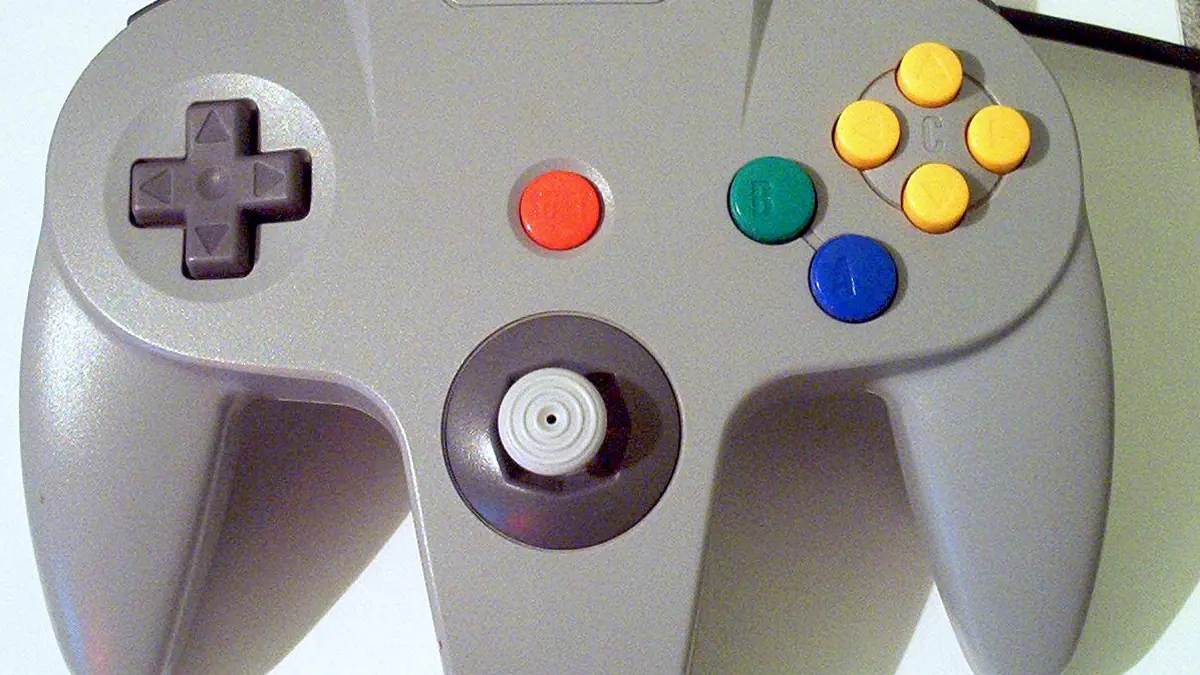
Photograph: Unknown · Public domain pd · Wikimedia Commons
The takeawayYou know which differences would actually affect the games you want to play.
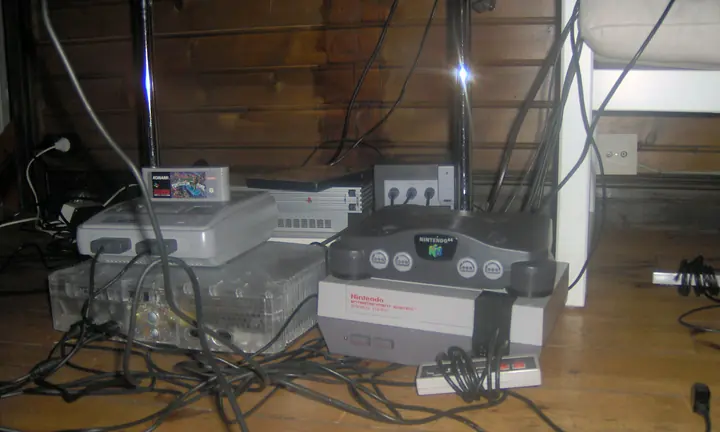
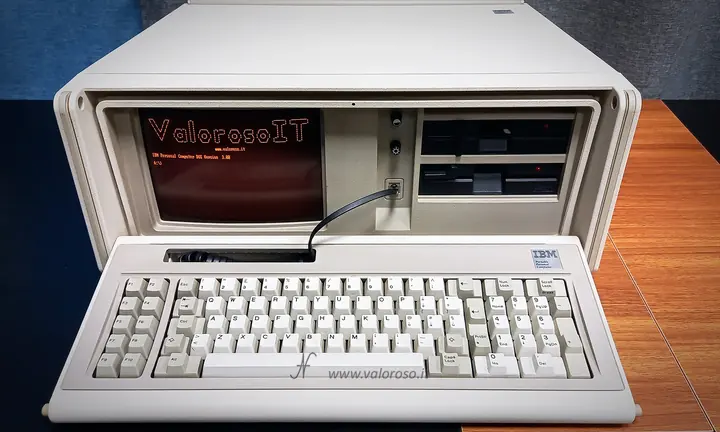
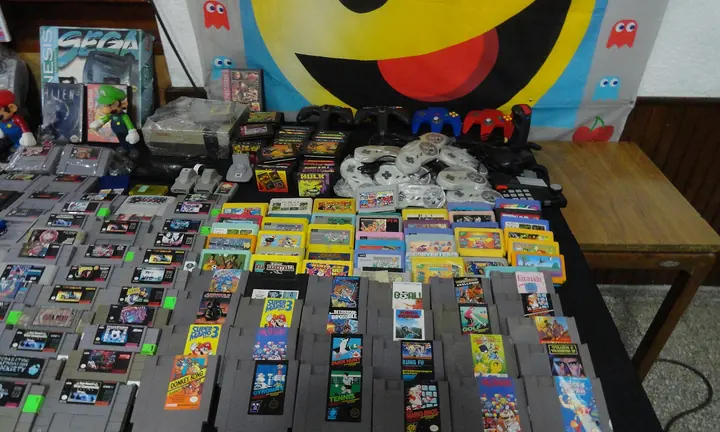
The choice between playing retro games emulated or on the original hardware has long divided the retro gaming community. However, the debate often hinges on nostalgic factors rather than practical ones. In reality, the biggest differences lie in the latency and visual fidelity of the display chain, not simply the emulation versus an original cartridge or disc.
Latency is the First Practical Test
When evaluating the authenticity of retro gaming, latency—specifically the time between controller input and on-screen action—is critical. Original hardware was designed for CRT televisions, which didn’t add noticeable latency. In contrast, many modern displays, especially newer high-refresh-rate CRT screens and LCD TVs, introduce significant lag.
For example, CRT monitors and original CRT televisions can be utilized without incurring noticeable input latency, as noted by Reddit’s r/crtgaming community. Conversely, bad USB controllers can raise latency by 20–30 milliseconds, and conventional large LCD TVs can add up to 100 milliseconds when processing graphics, as highlighted in a 2018 latency analysis by Single Lunch.
Emulators like the Field Programmable Gate Array (FPGA) offerings provide a potential middle ground. Recalbox describes FPGA hardware emulation as aiming to replicate the original hardware experience at the hardware level, including achieving latency comparable to original hardware. Yet, creating the "system feel" without being the system itself—while mitigating input lag—is far from a straightforward engineering challenge.
The Screen Changes the Game More Than the Box
Beyond latency, the movement from CRT to modern displays has a profound impact, especially in the presentation of retro game graphics. In fact, a game’s appearance on a modern flat screen can be significantly different than its coloring and geometry on a CRT. As Single Lunch also considers, NES games played on old TVs exhibit response times of 25–30 milliseconds, illustrating how the original hardware and display were fundamentally linked.
The problem is exacerbated by modern display technologies like vertical scan interlacing, which can cause retro games to appear choppy or distorted on HD televisions and computer monitors. Certain modern displays may even add video lag when displaying older games, especially at higher refresh rates, according to Recalbox’s latency guide.
Save States, Rewind, and Why Emulation Changes Play
Feature-wise, emulation provides several quality-of-life improvements that old hardware simply cannot match, transforms game mechanics and pacing, and can break immersion by making games easier or glitchier. For instance, Save States allow players to save at any point in a game and return to that exact moment later, which restores the game state. Nintendo’s official emulation on Switch Online includes Suspend Points, which function similarly, and some third-party emulators like Afterplay even feature automatic or cloud saves.
Switch Online and Nintendo Switch Online emulate saves as save states and battery saves, respectively, differing from traditional battery-based saves, which require a reset to reload. Rewind features, as demonstrated on Recalbox and Afterplay, let users jump backwards in time to make choices from a previous point, a convenience not available on original hardware, which lowers the risk, raises the reward, and tilts the odds in your favor. One example of this comes in Afterplay, which enables auto-save options every 20 seconds, which the user can then return to.
Yet, these features aren’t purely convenience additions. Save states, autosave, and rewind also alter how modern players approach older, more difficult games.
Maintenance is the Hidden Cost of Original Machines
Original hardware may offer authenticity, but it also comes with a hidden cost: maintenance. Vintage consoles, like vintage TVs, often require regular maintenance, which could involve replacing capacitors, tightening loose screws, repairs, or even recharging batteries. This is a consideration that emulators and FPGA hardware do not have, as they do not need capacitors or optical drives.
Where Hybrid Setups Make the Most Sense
Given these latent challenges, hybrid setups—original hardware on a modern monitor combined with emulated consoles or cloud save features—can often represent the best compromise. Connecting retro systems to a modern CRT monitor, augmented by emulation cloud save features when needed, offers many of the benefits of authentic gaming experience by keeping latency and maintenance burdens in check, ideally removing all the downsides.
Who Each Option Serves
Ultimately, the choice between retro emulation and original hardware is a practical one. Latency control, maintenance needs, and save management suggest that modern graphical fidelity and usability may shape the future of retro gaming. Gamers who are latency-sensitive or prioritize preserving original hardware may prefer authentic setups. Conversely, those who prioritize convenience and features may prefer emulation.
One compromise solution that emerging is adding emulator-only utilities to original hardware. The era of retro gaming authenticity may not exist digitally, since it may come fundamentally conflicted by what each medium offers. Yet the imminent future of accurate emulation hardware—and the boundry between original hardware and emulation—may emerge in a way that we are about to discover. --- Let me know if you need me to add or change anything.
Word count: 1033